 Bye
ByeDPI guides
Not a pile of rewrites of the same article. Each guide here answers one job: understanding DPI, understanding the tool, picking settings, or fixing a setup that is misbehaving.
Last updated: November 3, 2026 · Checked against the official ByeDPI documentation and GitHub repositories.
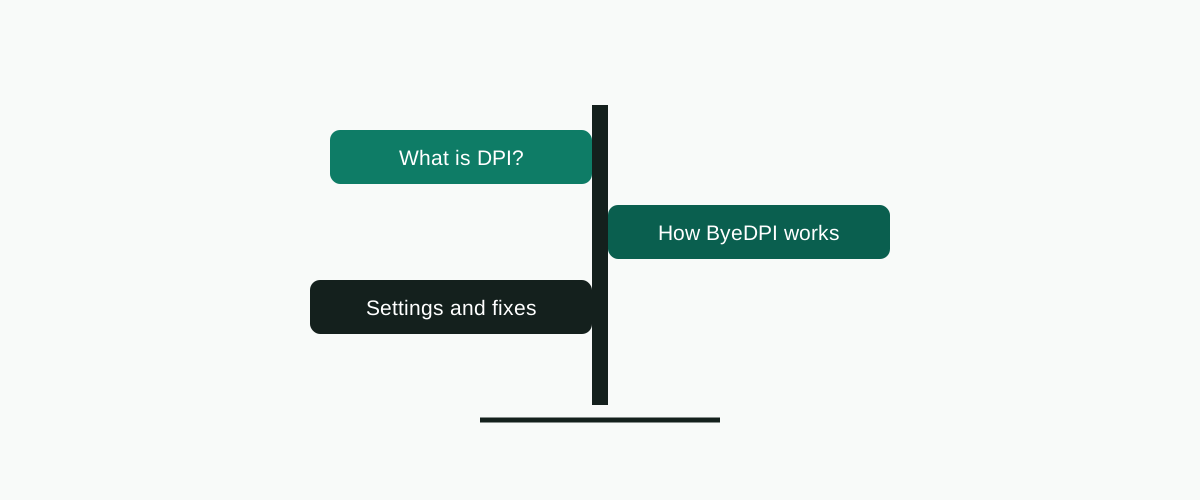
Read them in order if you are new — the first two explain the idea, the rest assume it. If you landed here because a site is still blocked, skip straight to the troubleshooting guide; it was written for that exact bad afternoon.
What is DPI?
Start here. How a box in your provider's network reads the name of the site you are opening — and decides whether you may.
How ByeDPI works
Split, disorder, fake, OOB and TLS records, explained with the actual sending order of a 30-byte request.
Best ByeDPI settings
A testing ladder, not a magic string. The documented starting points, and how to climb from one to the next.
ByeDPI not working
Three failure shapes, three different causes. Work through them in order and you will find yours.
ByeDPI vs GoodbyeDPI vs ByeByeDPI
Downloaded the wrong one? It happens constantly. A plain decision table for three confusingly named projects.
ByeDPI with AdGuard
Android allows one VPN-mode app at a time. Proxy mode is how you keep ad blocking and DPI bypass.
SOCKS proxy setup
The unglamorous step everyone gets wrong once: pointing Firefox, Chrome or a whole system at 127.0.0.1:1080.
Guides are not a substitute for the basics
If ByeDPI is not installed yet, no setting in these articles will help. Get the file from the official download page, follow the installation guide once, and only then come back here to tune. Most "ByeDPI doesn't work" reports we see described in the project's own discussions turn out to be a skipped step in that order, not a bad desync method.