 Bye
Best ByeDPI settings: a ladder, not a magic string
Every forum thread promises one perfect command. Nobody can keep that promise, because the right setting is a property of your provider's Deep Packet Inspection (DPI) filter, not of ByeDPI. What we can give you is the order to try things in — which is what actually saves time.
Last updated: November 3, 2026 · Checked against the official ByeDPI documentation and GitHub repositories.
Rule one: change one thing, test one site
Pick a single blocked site as your test case and keep it fixed. Change exactly one element, restart ByeDPI, test. The moment you change three things and the site opens, you have learned nothing except that something in the pile worked — and you will be helpless when it stops. Keep a note of what worked. It feels pedantic for the twenty minutes it saves you later. Our testing of the documented methods kept landing on the same lesson: providers differ more than settings do.
Step 0 — the defaults and the documented starting points
On Android, start with the app exactly as it installs, then work through the strategies in its Settings in the same spirit as below. On desktop, begin from the combinations the official documentation itself calls practical:
| Platform | Start with | Why this one first |
|---|---|---|
| Linux | ciadpi --disorder 1 --auto=torst --tlsrec 1+s | Gentle methods first, stronger TLS splitting only on a detected block. |
| Linux (alternative) | ciadpi --fake -1 --md5sig | The documentation's practical fake-packet option where md5sig is supported. |
| Windows | ciadpi --split 1+s --disorder 3+s | Split plus disorder compensates for how Windows retransmits. |
Step 1 — move the split before you change the method
If the starting point fails, the cheapest variable is position. A split that lands outside the SNI does nothing; a split inside it is the entire trick. Try shifting the position by a byte or two, and try aiming at the middle of the SNI (0+sm in the documentation's notation) instead of its start. In our evaluation this single adjustment accounted for more "suddenly it works" outcomes than any method swap — people give up on split while their split was simply in the wrong place.
Step 2 — climb to fake, and tune the TTL honestly
Still blocked? Your provider's equipment likely reassembles fragments properly, so fragmentation alone will never fool it. Move to --fake. On Linux pair it with --md5sig. On Windows pair it with --disorder 1, as the docs advise, because fake alone can be unstable there. If you use TTL-based fakes, accept the tuning reality: too small and the fake dies before the filter, too large and it reaches the server and corrupts the request — sites then fail in a different, weirder way, which is itself a clue you have overshot.
Step 3 — wrap it in auto mode and stop touching it
Once a combination works, your final job is restraint. Scope it: put the working methods behind --auto=torst so they only fire on block-like failures, and if the problem was one or two domains, limit them with --hosts pointing at a list of those domains. This matters more than it sounds. Aggressive desync left on for every connection will eventually break some poorly built server or middlebox, and you will misdiagnose that breakage as a new block. The goal is a configuration you forget exists.
A worked example, start to finish
# 1. Baseline test (Linux) — site still blocked
ciadpi --disorder 1

# 2. Add auto-triggered TLS record splitting — site still blocked
ciadpi --disorder 1 --auto=torst --tlsrec 1+s

# 3. Switch the lead method to fake + md5sig — site opens
ciadpi --fake -1 --md5sig

# 4. Final saved form: keep it, scoped and automatic
ciadpi --auto=torst --fake -1 --md5sig
That sequence is illustrative of the process, using documented options — your step 3 may well succeed at step 1, or need OOB instead. Android users follow the same ladder inside the app's editor: strategy first, position second, and the app's documentation link explains each option in place. And if every rung fails, stop climbing: work through the troubleshooting guide, because at that point the block is probably not the kind desync can solve — a conclusion we also reach in our full ByeDPI review. When it does work, the download page is where to return for updates, since filter changes at your provider are the usual reason a saved setup dies months later.
The same ladder inside the Android app
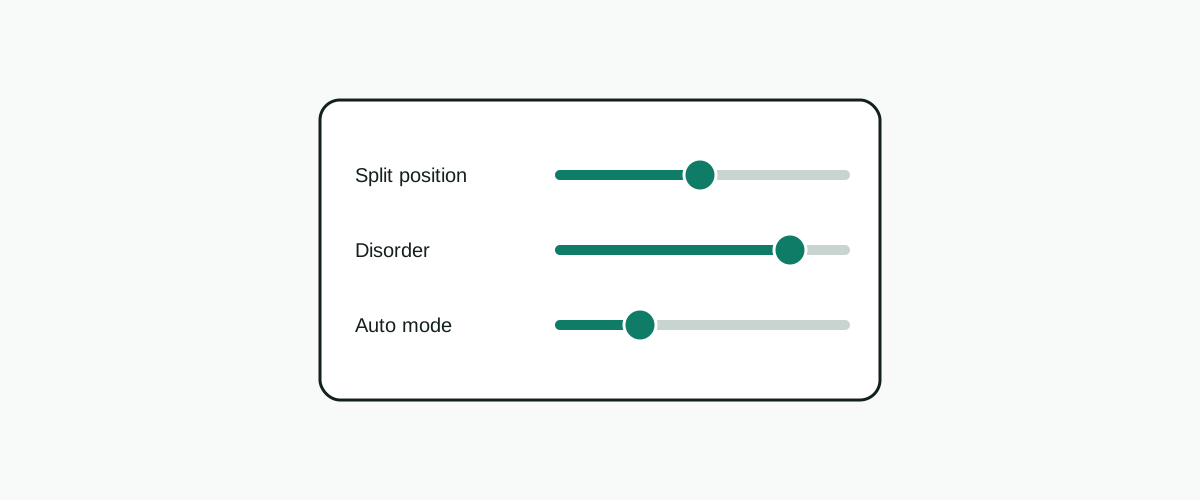
Android users climb the same ladder, but in taps rather than typed flags. The app's settings editor exposes the same machinery: a choice of desync strategy where the desktop uses method flags, and position fields that accept the same SNI-relative positions — the +s logic from the desktop documentation, presented as form fields. Rule one survives the translation intact: change one strategy or one position, restart the service from the app's main screen, test your one chosen site. The app even rewards the discipline, because a working combination can be left exactly as it is while everything else on the phone changes around it.
Two app-specific levers deserve the same respect as the desktop flags. The first is the host lists the app maintains — black and white lists of domains, the app-side equivalent of the desktop's --hosts scoping. If precisely two services are throttled on your network, scoping the bypass to them means the rest of your traffic never meets a desync method at all, which removes the usual breakage risk of an always-on setup. The second is the DNS setting: the app can use the system DNS or an address you specify, and a poisoned or rewritten DNS answer can mimic a DPI failure closely enough to waste an evening — if a site fails by name but opens by a known-good route, suspect DNS before touching any strategy. Finally, a habit worth stealing from desktop users: keep a per-network note. The combination that defeats your home broadband and the one that defeats your mobile carrier are often cousins, not twins, and the app makes switching a ten-second job once you know both.
When the ladder runs out
A working setup deserves a note in a drawer, not more tinkering. Related reading, all in the ByeDPI guides hub: the ByeDPI troubleshooting guide by failure shape for when it breaks anyway, and the ByeDPI, GoodbyeDPI and ByeByeDPI comparison for the naming mess that catches everyone out once. Missing the tool itself? the official ByeDPI download page, then the step-by-step ByeDPI installation guide. And if a setting here failed you in a way we have not covered, the ByeDPI support page explains how to ask properly, with the ByeDPI FAQ for the fast answers.
References and sources
Everything factual in this guide traces back to a short list of primary sources. If you read nothing else off-site, read these.
- hufrea/byedpi on GitHub — the ByeDPI core: source, options documentation and releases.
- dovecoteescapee/ByeDPIAndroid on GitHub — the Android app: README, built-in FAQ and releases.